
4️⃣ I “stole” my own passwords in under 20 seconds. Here’s how to stop anyone else from doing the same
Making Cyber Security Simple tip 4️⃣

4️⃣ Use a password manager (but not the one in your browser)
There are numerous advantages to using a password manager, rather than trying to manually manage your online passwords:
🔐 No more trying to remember what the password is for a particular online account. Your password manager remembers it for you
🔐 You don’t have to struggle with trying to think up new passwords. Your password manager will generate LSD passwords for you (Long Strong and Different)
🔐 You never need to type in a password again, as your password manager will fill in the account usernames and passwords for you. Click, click and you are logged in
🔐 Protection from Phishing attacks. If the website is a Phishing site, then your password manager realises this, and doesn’t offer to autofill the password
🔐 Your password manager will warn you of breached passwords, weak passwords, and reused passwords. So it’s really easy fix the “security holes” in your passwords
🔐 Your password manager protects you from keystroke logger malware as your usernames and passwords are never typed in via the keyboard
🔐 You can also use a password manager for 2FA codes instead of a specific 2FA authenticator app. This means you don’t have to type in those six digit codes anymore. Your password manager does it for you.
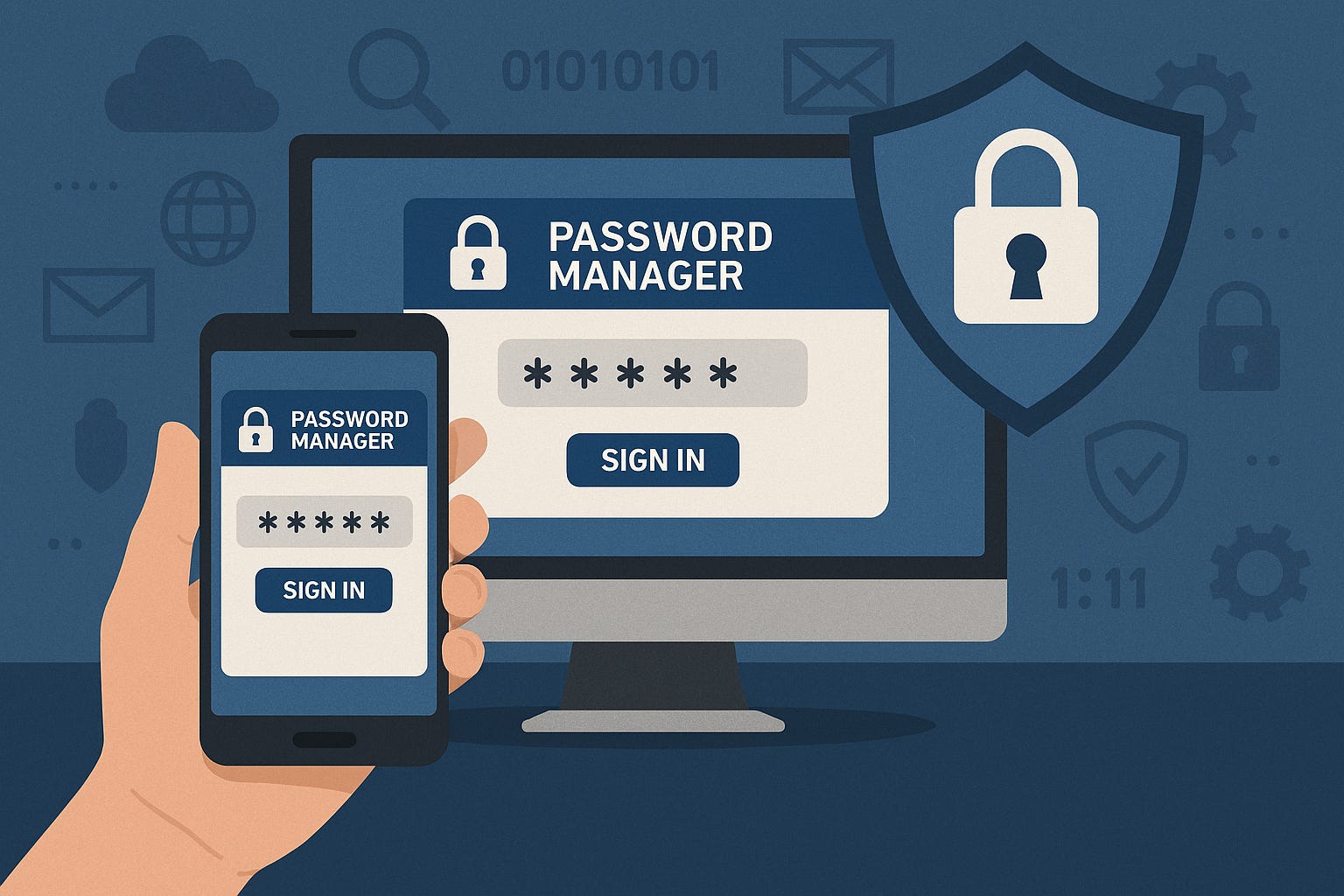
But why do I keep on banging on about not using the password managers built into Chrome, Edge, Firefox, etc. ???
The reason is, the browser based password managers are not secure. Any half decent cyber criminal will know exactly how to steal all your browser stored passwords in a matter of seconds.
They can download browser hacking tools from the internet.
I tried one out and “stole” all my own passwords from three different browsers in less than twenty seconds. Or they can write a script to extract the saved URLs, usernames and passwords from each of your browsers, and send those credentials back to their own remote server.
They can put the script on a Rubber Ducky (a USB virtual keyboard you can script to execute keystrokes automatically) if they have physical access to your computer, or if not, they can use social engineering to trick you into downloading and running the script yourself.
If you let your web browser store your passwords, you might as well be writing them on the front wall of your house in six foot high letters. Please please please don’t let a web browser store your passwords, it’s highly dangerous.
So which password manager should you use. My personal favourites are Bitwarden, Keeper and 1Password.
For personal use you can get a totally free version of Bitwarden, so increasing your password security doesn’t have to cost money. And their Personal Premium subscription is ridiculously cheap to buy, and well worth the small additional cost.
Or if you are a business, I can supply you with the business versions of those products, as I’m a UK authorised reseller for Bitwarden and 1Password (got to get a shameless plug in there somewhere).
Switch to a proper password manager today, but not the one in your web browser.
Chris
#TheAntiVirusGuy and
#ThePasswordGuy at
ASL Computer Services
—
A bit about me:
💻 Helping Entrepreneurs, the Self Employed, Sole Traders and Small Business Owners manage their online passwords and keep their computers virus free.
💻 Really good anti virus (SentinelOne £16 or ESET £4 £8 £10 per month)
This is very helpful? What are your thoughts on Last Pass?