
5️⃣ The website that reveals which companies have “given away” your passwords
Making Cyber Security Simple tip 5️⃣

We all create passwords for multiple online accounts. And we trust those online companies to store our passwords safely. But, sadly, not all companies treat our passwords with the care and security that they deserve.
The cyber criminals breach these companies. And if these companies are not holding our passwords safely and securely, our passwords end up falling into the hands of the cyber criminals.
These cyber criminals then put lists of disclosed usernames and password combinations up for sale on the “dark web”. And other cyber criminals can, for a few pounds, buy our usernames and passwords.
So, what can we do about this to protect ourselves? Is there an easy way to check for breached passwords connected to us?
Yes, there is.
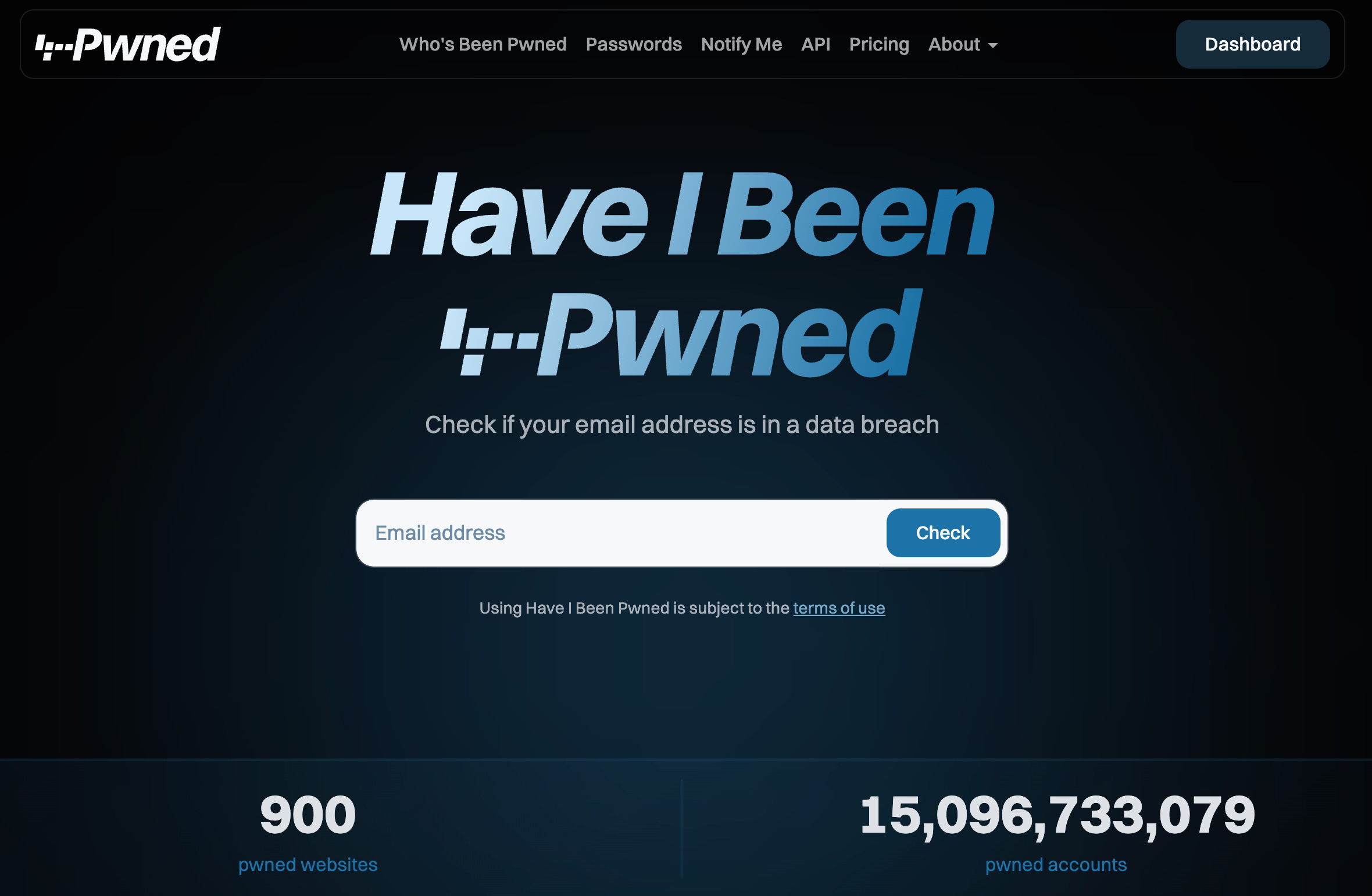
If you use Troy Hunt’s “Have I Been Pwned” website, and you put in each of your email addresses, Troy’s site will tell you who has “given away your username / password combination” in a data breach, when it happened, and what information was disclosed to the cyber criminals.
Any of your passwords that have been breached are no longer safe to use in connection with your email address (as that email / password combination will be for sale in "breach lists" on the dark web) and need to be changed immediately.
Let’s assume you were part of the 2012 / 2016 LinkedIn data breach.
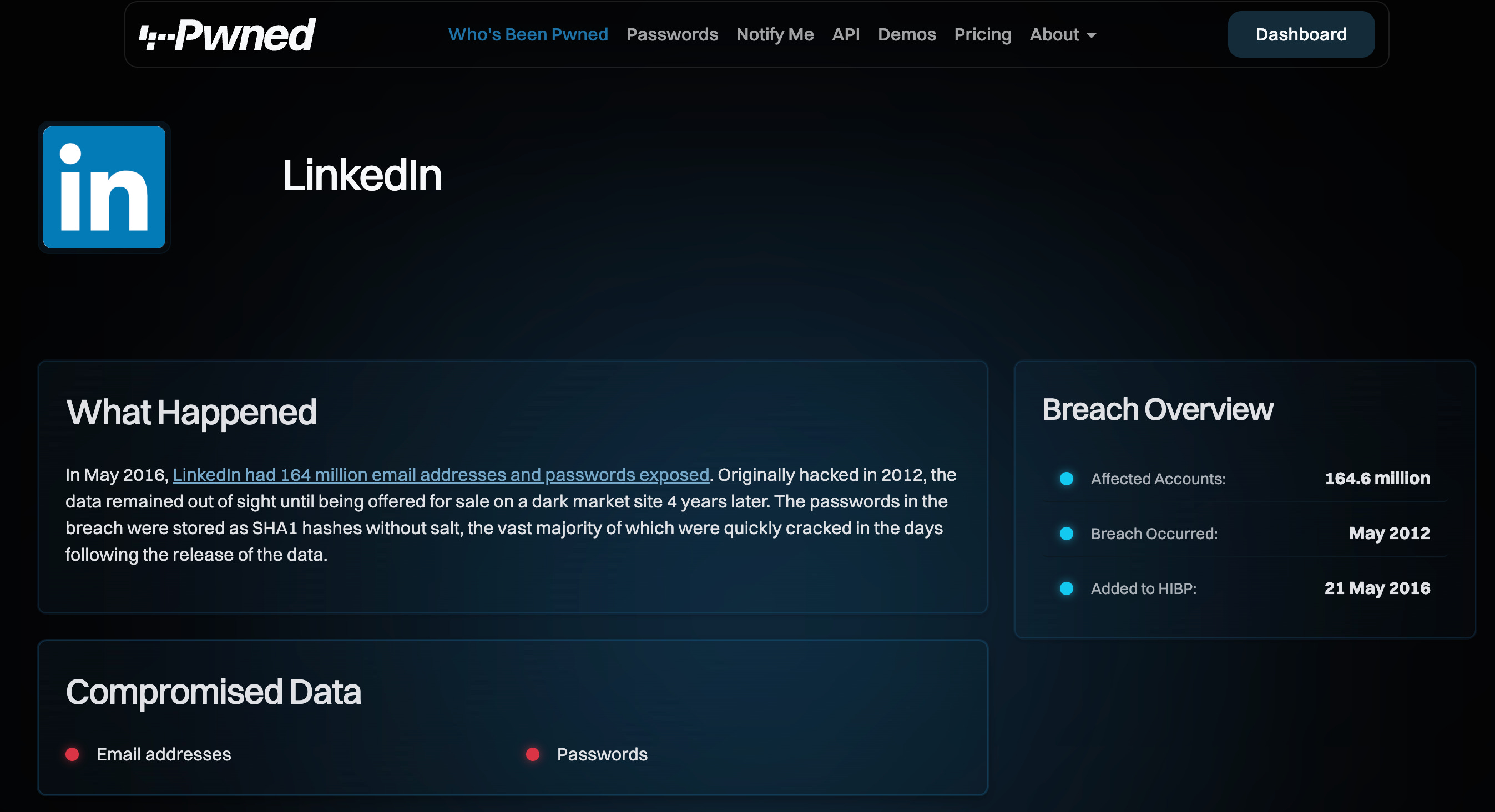
The email address and password combination that you were using to login to LinkedIn in 2012, is now unsafe. You need to change your LinkedIn password, but also you need to change the password for any other accounts using that username / password combination.
So, if you used that same password on eBay, PayPal, and Amazon, you need to change those passwords as well.
You can check Troy’s have I been pwned website manually, but you can also create alerts to notify you when a new breach connected with you has been discovered. I recommend setting these alerts up.
Here is a link to the Have I Been Pwned website: https://haveibeenpwned.com/
Alternatively, if you use a Password Manager such as Bitwarden or 1Password, that will do the breach checking for you.
Chris
#TheAntiVirusGuy and
#TheDataBackupGuy and
#ThePasswordGuy
—
A bit about me:
💻 Helping Entrepreneurs, the Self Employed, Sole Traders and Small Business Owners manage their online passwords and keep their computers virus free.
💻 Really good anti virus (SentinelOne £16 or ESET £4 £8 £10 per month)
💻 Bitwarden Password Manager (Business Enterprise £6 per month or £66 per year)
Great practical advice as always, Chris.
What I like about tools like Have I Been Pwned is that they don’t scare people. They make risk visible. Once you see your email in a breach list, password reuse stops being abstract and starts feeling real.
The hard lesson most people learn too late is that the breach itself isn’t the problem. It’s the reuse afterwards that causes the real damage.
Anything that shortens the gap between exposure and action is a win.
I just need to go through all of your posts and do these things, thank you for making it so simple with each post!